
Music Production Tutorials
How I Mix Songs Fast in Pro Tools During One-Hour Recording Sessions
May
How I Mix Songs Fast in Pro Tools During One-Hour Recording Sessions
At adotstate Recording Studios, most artists book one-hour recording sessions. That means there isn’t time to spend hours tweaking plugins, debating compressor settings, or chasing the perfect mix.
Instead, I’ve built a Pro Tools template designed around speed, organization, and consistency. It helps me keep sessions moving while still giving artists a recording they can be proud of.
This isn’t an advanced mixing masterclass. This is a real-world look at how I approach recording, editing, and rough mixing when artists are paying for studio time and the clock is running.
Watch The Full Video
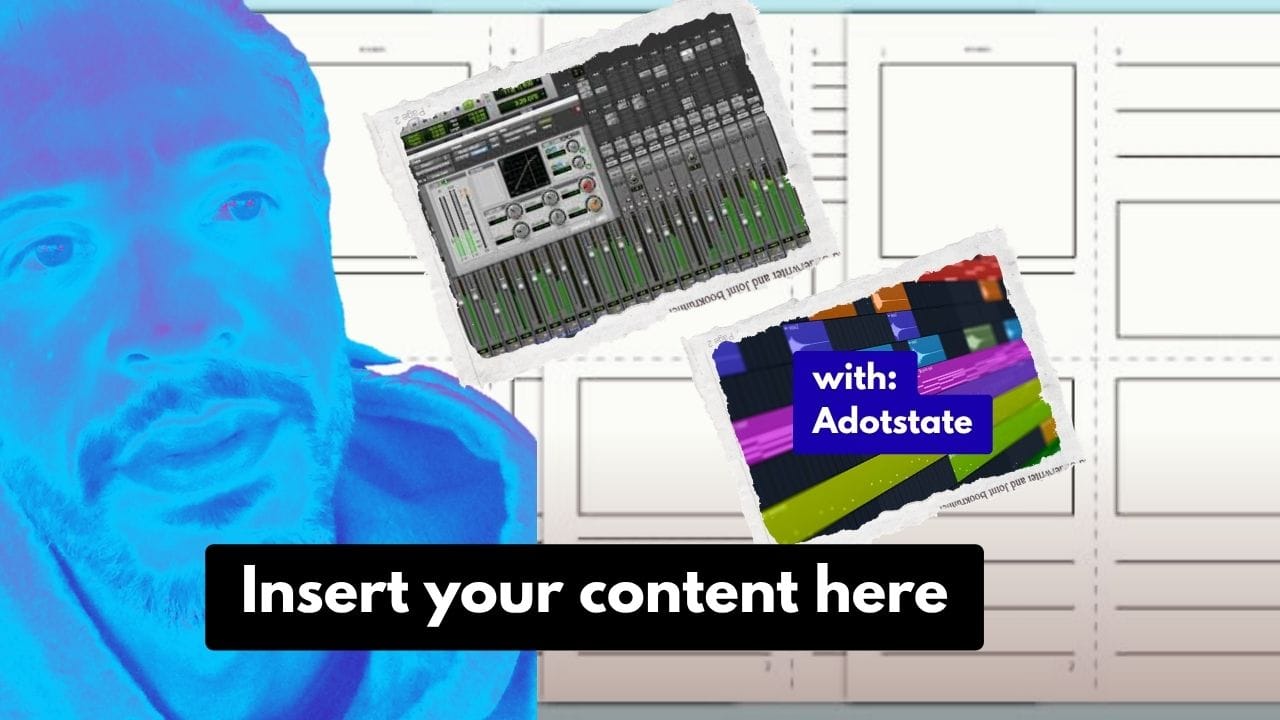
In this video, I discuss my Pro Tools template and explain how I record, organize, and mix songs during one-hour recording sessions at adotstate. I break down my routing, vocal workflow, sends, throws, SSL-style buses, and how I keep sessions moving fast without overthinking every plugin.
Why My Workflow Is Built For Speed
Most of my clients are not booking eight-hour sessions. They’re booking one hour, maybe two. Sometimes they’re recording multiple songs. Sometimes they’re freestyling. Sometimes they’re still writing while they’re in the booth.
Because of that, my workflow has to be fast.
I don’t want to waste time building tracks, routing buses, loading plugins, or organizing the session while the artist waits. Everything is already prepared before they walk through the door.
The goal is simple: get artists sounding good as quickly as possible.
Finding The Key Before Recording
One of the first things I do is identify the key of the instrumental.
I keep a MIDI piano track at the top of my template so I can quickly find the song’s key and send that information into Auto-Key and Auto-Tune.
It only takes a few moments, but it helps vocals lock in more naturally and saves time later in the session.
My Four Main Mix Buses
Everything in my template is organized into four primary groups:
- Mix A – Instrumentals
- Mix B – Vocals
- Mix C – Sends and effects
- Mix D – Throws and specialty effects
Each group has its own purpose, and everything eventually feeds into a master submix.
This structure keeps the session organized and allows me to make broad changes quickly instead of adjusting every track individually.
Recording Vocals Efficiently
Most artists record using punch-ins. I keep dedicated recording tracks ready so I can immediately record, drag clips into place, and keep the session moving.
Every second counts during an hourly session.
The less time spent digging through menus, the more time spent creating music.
Fast Vocal Processing
When I need quick vocal control, I often use an 1176-style compressor to help level out the performance.
I’m not spending fifteen minutes trying to find the perfect setting. I’m making quick adjustments that help the vocal sit properly over the beat and remain consistent throughout the song.
The objective is simple:
- Keep the vocal present.
- Keep the levels controlled.
- Keep the artist inspired.
If deeper mixing is needed later, we can always book another session.
Creating An Analog-Inspired Sound
One thing I enjoy doing is building an analog-style workflow inside Pro Tools.
I use SSL-style processing on my buses because I like the character and consistency it brings to the session.
When people hear songs recorded at adotstate, I want there to be a recognizable fingerprint to the sound.
Not necessarily better than anyone else’s.
Just different. Something unique to the workflow I’ve developed over the years.
My Favorite Effects
Effects are always evolving, but a few plugins continue showing up in my sessions:
- RVerb Plate
- Seventh Heaven
- EchoBoy
- EP-34 Tape Echo
I’m constantly experimenting with reverbs, delays, and modulation effects to find sounds that feel rich, musical, and inspiring.
Sometimes one small effect decision can completely change the energy of a song.
Fast Mastering With Ozone
Because many clients only book one or two hours, I often use Ozone’s Assistant as a starting point for mastering.
It helps get the song into a competitive range quickly so I can focus on the music instead of getting lost in technical details.
From there, I make small adjustments as needed and keep the workflow moving.
Speed matters when you’re working with artists on a clock.
Studio Time Pricing
1 Hour Recording Session: $80
2 Hour Recording Session: $120
3 Hour Recording Session: $180
Recording sessions include studio time and engineering services.
Final Thoughts
There is no perfect template.
There is only the workflow that helps you get results consistently.
For me, that means staying organized, moving quickly, and helping artists leave with music they are excited about.
At the end of the day, the best studio workflow is the one that keeps the music moving.
Don’t look, just book.
Book a Session at adotstate Recording Studios
