
Music Production Tutorials
How to Fix Vocal Tracks (Pro Tools Vocal Mixing Tips)
Mar
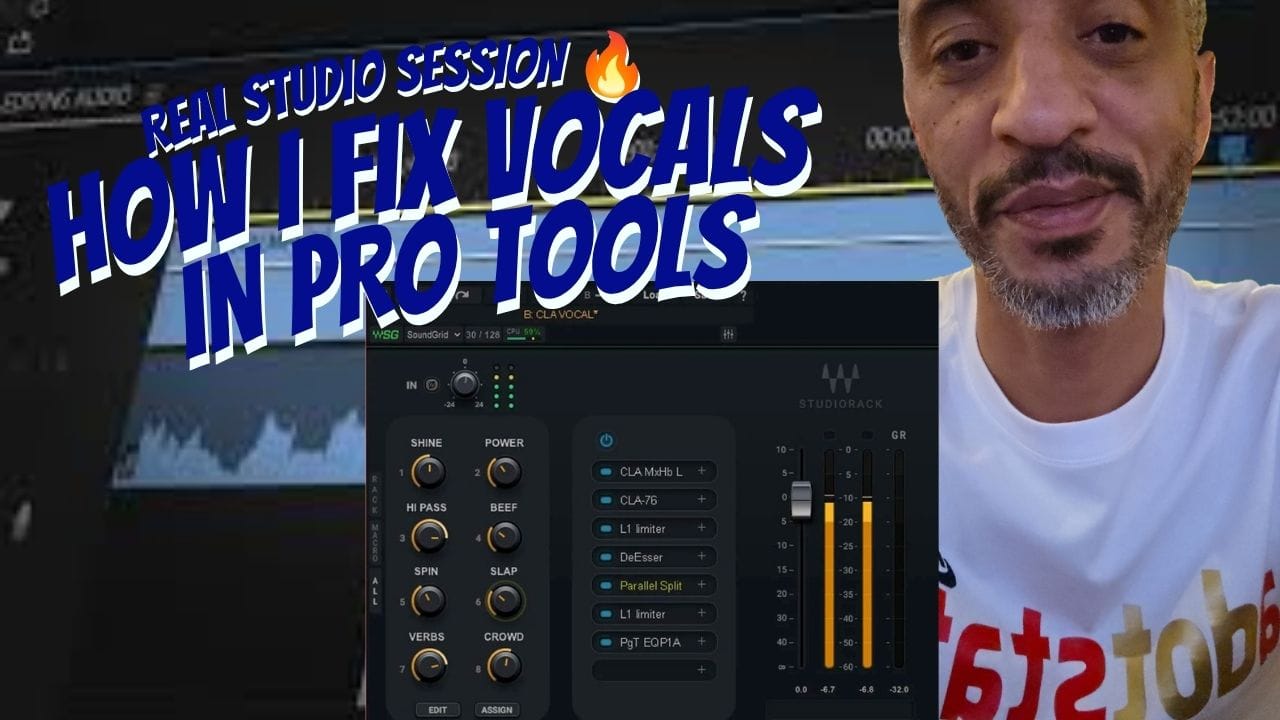
How I Fix Vocals in Pro Tools (Real Studio Session)
Watch how I turn raw vocals into a clean, professional sound inside my Milwaukee recording studio using real techniques in Pro Tools.
If you’ve ever struggled to get clean vocals, this is exactly how I fix them in a real session.
In this tutorial, I break down my full vocal workflow step-by-step using the same techniques I use at A-State Recording Studios in Milwaukee.
What You’ll Learn
- How raw vocals sound before processing
- Why I turn all plugins off first
- How I clean and shape vocals step-by-step
- How to get clarity and balance in your mix
5 Essential Tips to Fix Vocal Tracks
Tip 1: Understand Your Signal Chain
Start with all plugins off and build your sound step-by-step. Random plugins = messy mix.
Tip 2: Use Compression Wisely
Control your dynamics without flattening the energy. Avoid over-compressing.
Tip 3: Enhance with EQ
Boost clarity (3k–5kHz) and remove low-end muddiness.
Tip 4: Add Reverb for Depth
Keep it subtle—too much reverb will wash out your vocals.
Tip 5: Final Touches
Make small EQ adjustments and test on multiple devices.
Follow for More Studio Content
Looking for a recording studio in Milwaukee? Book your session today and get professional results.
