
Music Production Tutorials
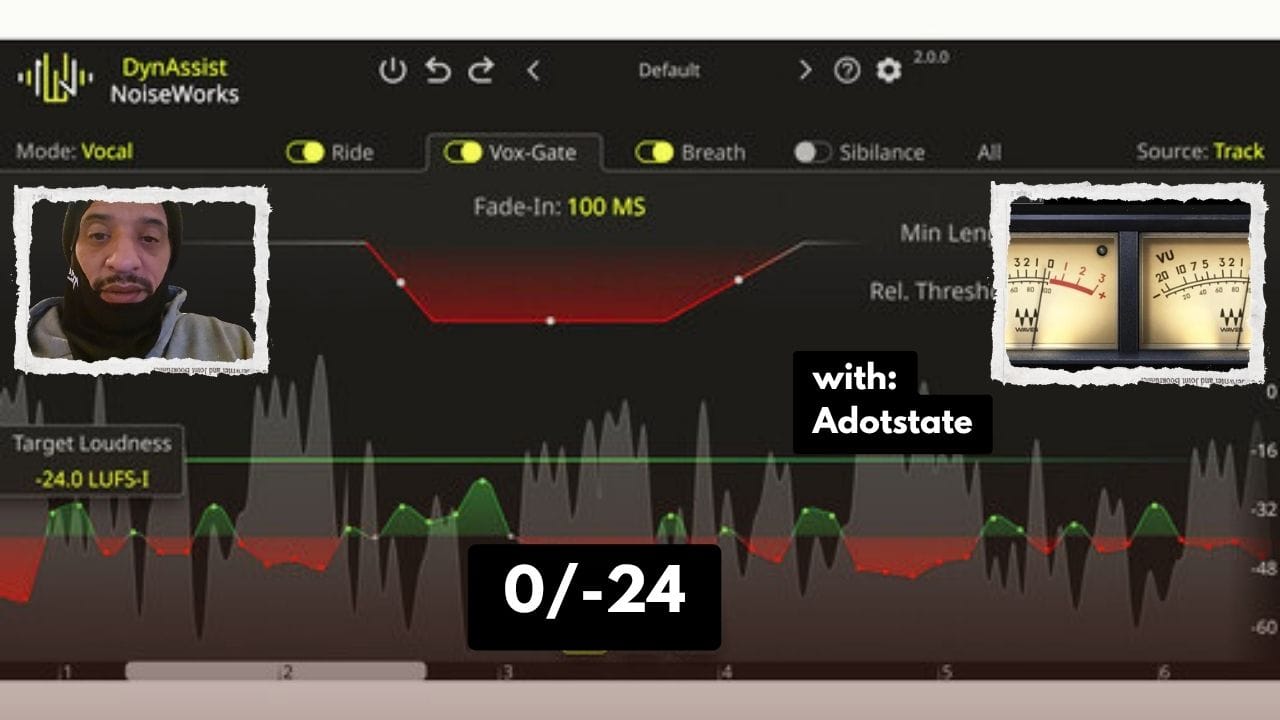
How to Use Dynasys in Pro Tools (Auto Level Vocals with a VU Meter)
Apr
How to Auto Level Vocals in Pro Tools Using Dynasys (Step-by-Step Guide)
Learn how to effectively use Dynasys for auto leveling your audio tracks and get a clean, professional sound inside my Milwaukee recording studio.
If you’ve ever struggled with uneven vocal levels, Dynasys can simplify your workflow and help you achieve a polished mix faster.
In this tutorial, I break down how to use Dynasys in Pro Tools along with a VU meter to level vocals automatically, including setup tips, mistakes to avoid, and real studio insights.
What is Dynasys?
Dynasys is an auto leveling plugin in Pro Tools designed to control volume inconsistencies in your audio. It helps balance loud and quiet sections, making it easier to achieve a professional mix.
Setting Up Dynasys for Best Results
- Load Dynasys: Add it to your vocal track in Pro Tools.
- Select Your Audio: Start with vocals to clearly hear the effect.
- Analyze Levels: Let the plugin detect peaks and quieter sections.
Step 1: Understand the VU Meter
The VU meter helps you visually track your audio levels. Aim to keep your signal close to 0 without going over to avoid distortion.
Step 2: Use Dynasys to Level Vocals
Adjust the threshold to bring up quiet parts and control louder sections. This creates a smoother, more consistent vocal performance.
Tip: Be careful not to over-raise quiet sections—this can make vocals sound unnatural.
Step 3: Fine-Tune Your Mix
Listen back and make small adjustments. Lower peaks if needed and ensure everything sounds balanced across the track.
Key Takeaways
- Use Dynasys to save time on manual leveling
- Watch your VU meter to avoid distortion
- Test your mix after every adjustment
- Experiment to find your best sound
Follow for More Studio Content
Looking for a recording studio in Milwaukee? Book your session and get professional results.
